Prepare the car and location
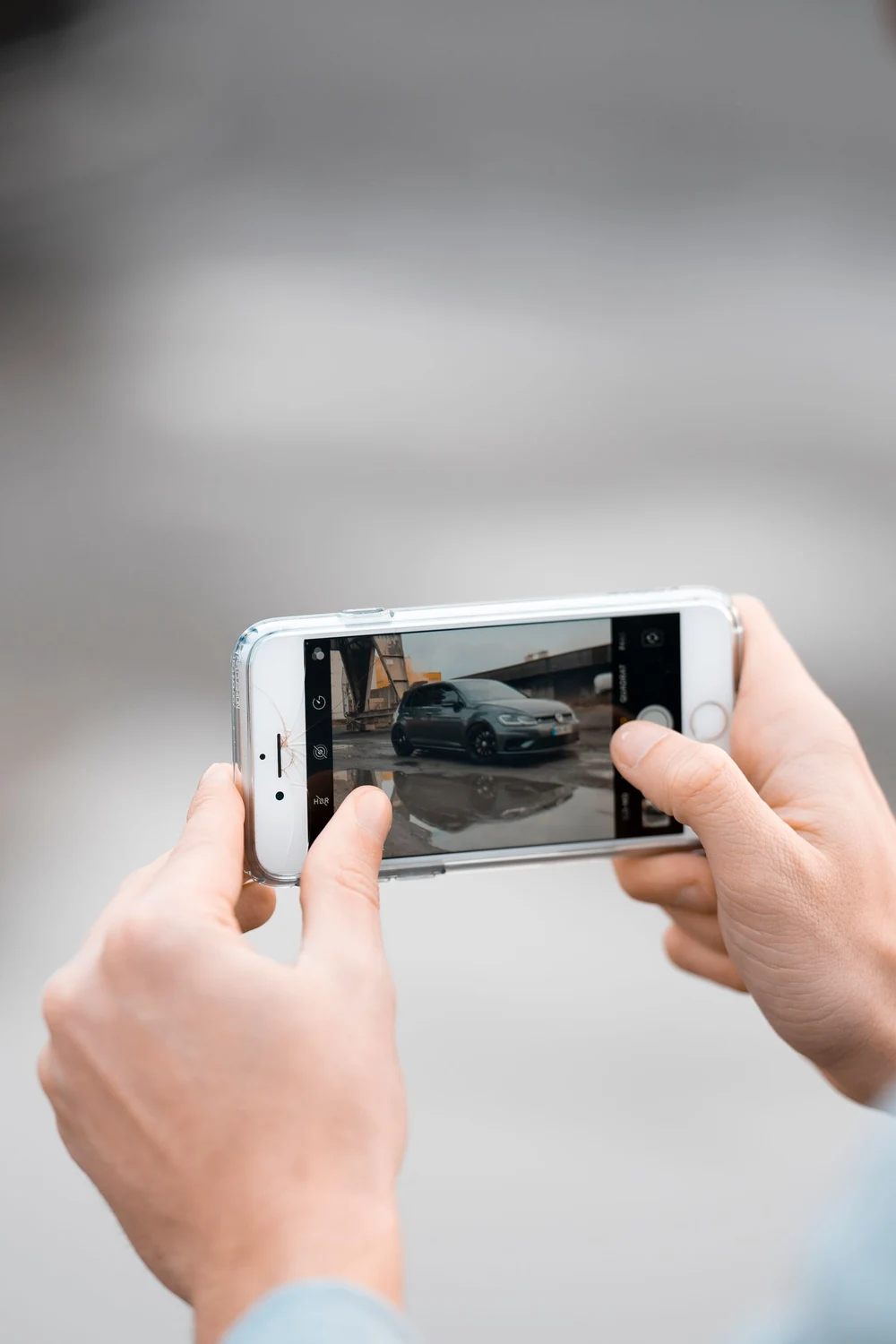
Good photographs reduce the questions a buyer needs to ask. Clean the windows, remove personal belongings and choose a safe place where you can walk around the car. Do not obstruct traffic for a picture or take photographs while driving. Even light is easier to use than strong patches of sun and shadow. Clean the phone lens and check a test shot: a mark on the camera can soften every photograph without being obvious on a small screen.
Show the complete exterior
Photograph the front, rear, both sides and the angles between them. Leave some space around the vehicle so the buyer can understand its shape. Keep the phone level and avoid excessive use of an ultra-wide lens, which can distort proportions. If unsure, step back and compare the picture with what you see. Work around the car in a deliberate sequence. Missing a side is easier to notice in an ordered set than in a collection of unrelated attractive angles.
Explain the interior
Include front and rear seats, dashboard, steering wheel, console and luggage compartment. Open suitable doors and check that shadows do not hide the materials. Overall views and detail shots perform different jobs; every picture need not include every seat. With a family car, show access and usable space. Explain any unusual arrangement and which accessories are included. Do not assume that a photograph establishes everything about capacity, compatibility or the condition of equipment.
Show the equipment you describe
A buyer looking for a specific option will look for evidence in the gallery. Show relevant controls, screens or fitted components, taking care not to display information from a connected personal phone. A button alone does not establish that every function works. Describe what you can confirm and leave other points open for checking. For an EV, include its charging inlet and supplied cables. For a van, show the load area and the features relevant to the intended work.
Handle mileage and documents carefully
Photograph the displayed mileage clearly while safely parked. Check that you are showing the total odometer, not a trip distance. Explain any visible warning or message rather than digitally removing it to imply a technical check. Hide unnecessary personal details on invoices and maintenance records before publication. A photograph can support a discussion, but does not replace examination of the documents or confirmation that they relate to this vehicle.
Put wear in context
For a scratch, marked wheel or worn seat, use a wider picture to show its position and a closer one to show detail. Do not show only damage, and do not bury it among near-identical pictures. Explain what you know without making a technical diagnosis from appearance. A buyer who understands condition before travelling can ask better questions. Correcting exposure should make a detail easier to see; digitally removing a defect changes the information about the car.
Arrange the gallery for a buyer
Carletta allows up to 40 photographs. You do not need to fill every position. Choose distinct, clear views instead of many versions of the same frame. Select a cover that identifies the vehicle even at thumbnail size. Follow it with the exterior sequence, interior, equipment, mileage, accessories and wear. You can reorder images and change the cover before publishing. Open the uploaded gallery to inspect the result rather than judging image clarity solely from a thumbnail.
Check before publishing
Compare photographs with the description: the same car, wheels, equipment and included accessories should appear in both. Remove duplicates and pictures belonging to another vehicle. Look for people, addresses or personal information in the background. The platform prepares and compresses images for display, but choosing accurate photographs remains the seller's responsibility. When a buyer identifies a missing view, add a useful picture. Update the gallery if the car's condition or included equipment changes.
How many pictures should you use
More gallery positions mean flexibility, not an obligation to publish forty frames. For an extensively equipped car, begin with complete exterior and interior coverage, then add pictures answering distinct questions about options, accessories and condition. Where two pictures communicate the same information, keep the clearer one. An attractive cover should not conceal an important part of the vehicle. After publication, inspect the listing on a phone as well as a larger screen. Check that the chosen order still tells a coherent story and that important equipment can actually be identified without guessing from a tiny thumbnail.